Tailwind CSS Setup
Learn how to set up Tailwind CSS in your project.

Namy
Senior Developer
Date: December 3, 2024
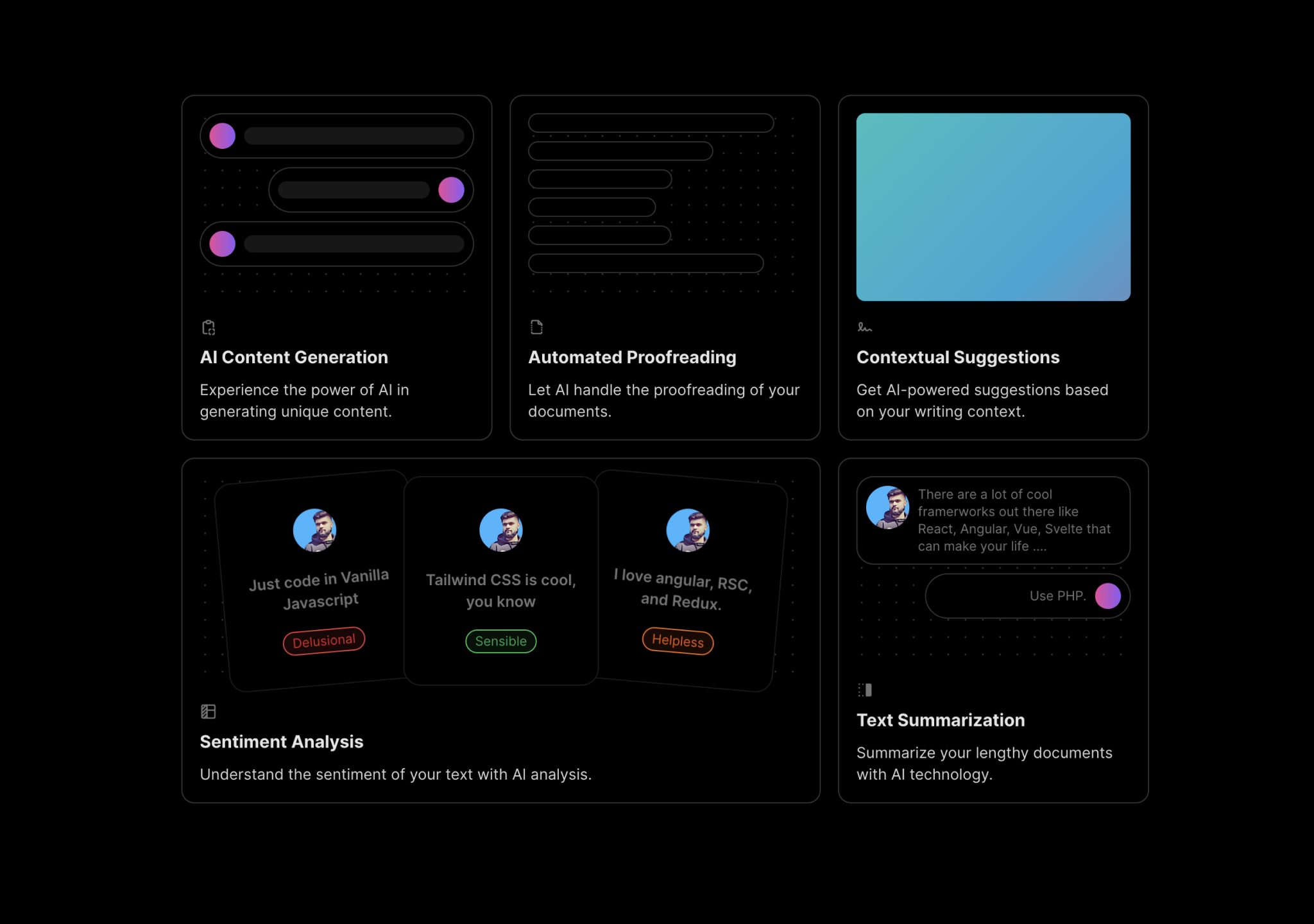
Aceternity UI is a comprehensive library offering pre-built, customizable components designed to streamline the development of modern web applications. Built with React, Next.js, Tailwind CSS, and Framer Motion, it enables developers to create visually appealing and responsive user interfaces efficiently.
Aceternity UI provides a wide array of components, including hero sections, feature sections, cards, and navigation bars, all crafted to enhance the aesthetic and functionality of web projects.
The library includes interactive components like animated testimonials, expandable cards, and infinite moving cards, which can enrich user engagement on websites.
Aceternity UI Pro offers premium component packs and templates, such as startup landing pages and AI SaaS templates, allowing for rapid prototyping and development of professional-grade websites.
To integrate Aceternity UI into your project, follow these steps:
Install Next.js: Create a new Next.js project if you haven't already.
npx create-next-app@latest my-project --typescript --eslint
cd my-project
Install Tailwind CSS: Set up Tailwind CSS in your project.
npm install -D tailwindcss postcss autoprefixer
npx tailwindcss init -p
Configure your tailwind.config.js file to include the appropriate content paths.
Initialize Aceternity UI: Use the Aceternity UI CLI to set up the components.
npx aceternity-ui@latest init
This command initializes a components.json file and a tailwind.config.js file for your project, installing necessary dependencies compatible with shadcnui.
Add Components: Add desired components to your project.
npx aceternity-ui@latest add [component]
Replace [component] with the name of the component you wish to add. You can also use the --all flag to install all components.
For detailed instructions and additional options, refer to the Aceternity UI CLI Documentation.
Aceternity UI offers several benefits for developers:
Aceternity UI empowers developers to craft stunning web applications with ease. Explore the library today and take your projects to the next level. Happy coding! 🚀
Learn how to set up Tailwind CSS in your project.
Namy
Senior Developer
A step-by-step guide to becoming a full stack developer.

Christopher Nolan
Senior Developer
Learn how to build reactive web applications using Vue.js 3.

Victor Hugo
Frontend Engineer